Choose the requirement
Start with a common size limit or enter exact dimensions, aspect ratio, and allowed formats.
Private photo preparation
Compress to an exact KB or MB target, match dimensions and formats, and verify the result before you upload—entirely on your iPhone or iPad.
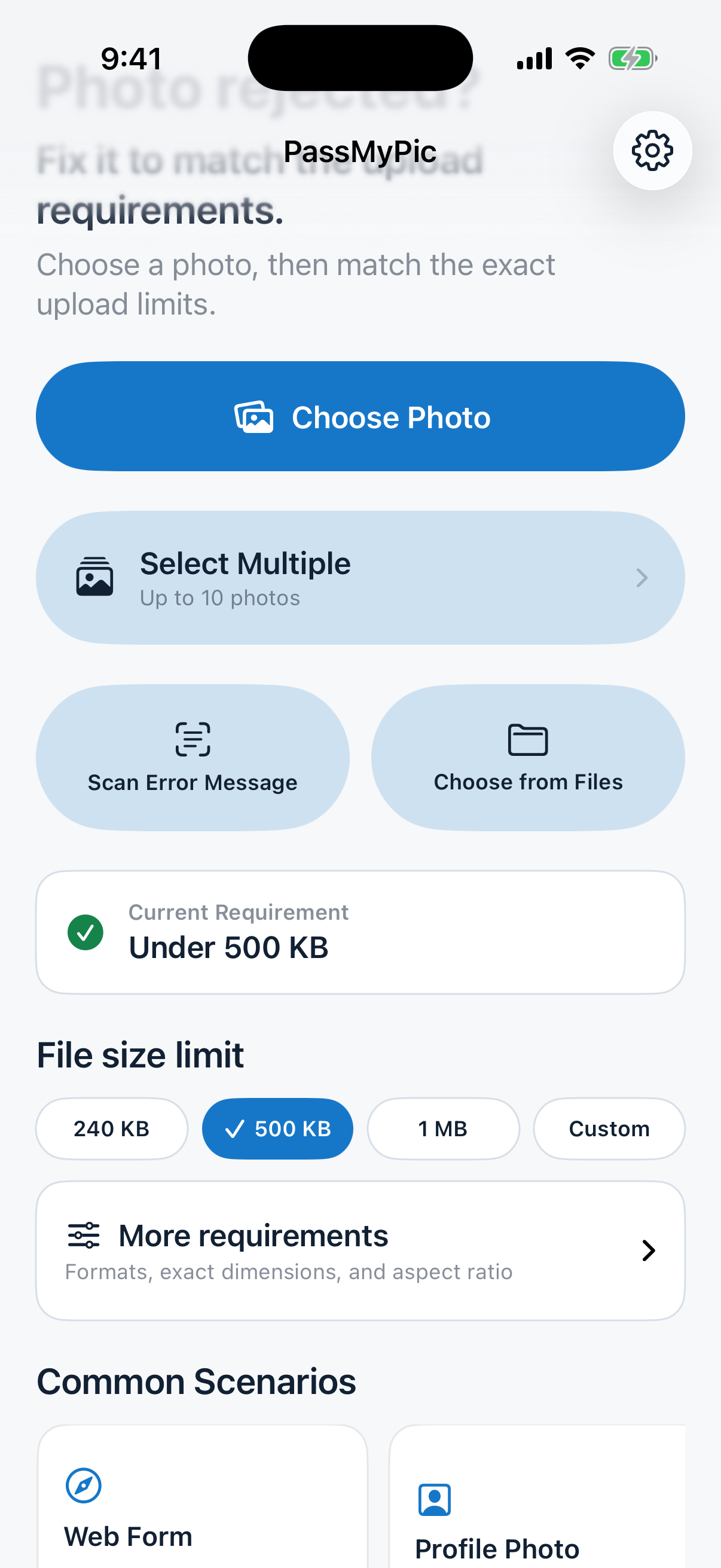
A focused workflow
PassMyPic turns scattered upload instructions into one clear, reviewable rule.
Start with a common size limit or enter exact dimensions, aspect ratio, and allowed formats.
PassMyPic searches for the best quality that safely fits your confirmed technical limits.
Review size, dimensions, format, crop, transparency, and metadata checks before exporting.
Built for real upload forms
Use one tool for profile photos, online applications, document scans, email attachments, and websites with strict upload rules.
Private by design
Image processing, requirement recognition, and saved rules stay inside the App’s local container. PassMyPic has no developer account system, advertising, or analytics SDK.
Read the full Privacy PolicyTry before you unlock
Inspect photos, scan requirements, preview results, and save rules for free. A one-time App Store purchase unlocks unlimited single and batch exports—no subscription.
Official information
Every policy is available in English and Simplified Chinese.